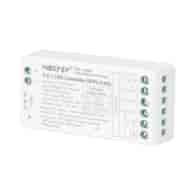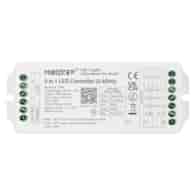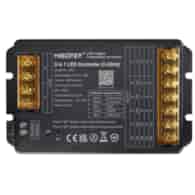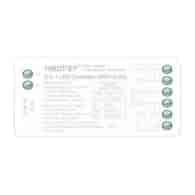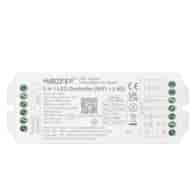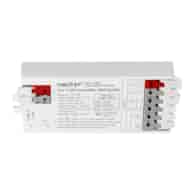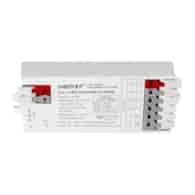
Symbol:
FUT037S+
EAN:
6970602183835
Parameters:
Installation type: 3in1 with selection options (RGB/ RGB+W/ RGB+CCT)
Lighting control system: PWM
Lighting control method: radio, wireless (mobile app: tuya, alexa, requires 2.4Ghz gateway)
Output type of the controller: CV (constant voltage)
Rated voltage: input/output - 12-24V DC
Output current per channel: 6A
Maximum output current: 12A
Number of controller outputs: 5 outputs
Output connection type: common anode
Communication type: bidirectional
Communication range: up to 30 meters in open terrain with the possibility of extending through signal retransmission
Return to previous settings when turned off from the transmitter: yes
Compatibility with external systems: Amazon Alexa, Google Assistant, Siri Shortcuts, IFTTT (requires 2.4Ghz gateway)
Operating temperature: from -10 to + 40°C
Ingress protection class: IP20
Installation: surface-mounted
Additional functionality/feature: compatibility with Tuya Smart (requires 2.4Ghz gateway)
Dimensions: 74.5 x 36 x 17 mm
Safety declarations and standards: CE, RoHs
Manufacturer's warranty: 24 months
Features:
Application for RGB/ RGB+W/ RGB+CCT installations
Dimming and brightening lighting
Adjustment of white light temperature
16 million colors to choose from
Possibility to expand the installation at any time
Instant reduction of light intensity for the zone
Smartphone app control (2.4GHz gateway required)
Support for third-party voice control (2.4GHz gateway required)
Devices compatible with Fut037s+:
FUT100
FUT089S
FUT089
FUT089-B
FUT092
FUT092-B
FUT088 FUT096
FUT096-B
B8
B4 / B4-B / T4 B3 / B3-B / T3
B0 / B0-B S2-B / S2-W
S2-G
FUTD01
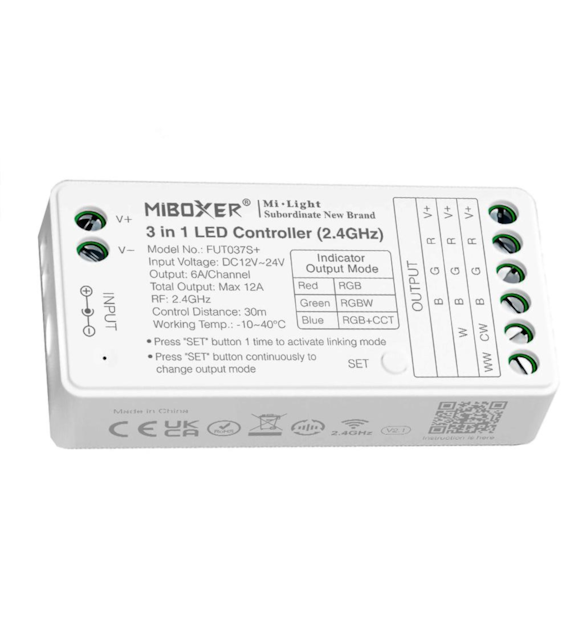
Configure output mode
Configure the correct output mode based on the light functions
Setting method: Press the „SET” button continuously to switch the output mode (note: it will log out without operation within 3 seconds)
Output mode sheet (confirm the output mode based on the indicator color)
Indicator color
Red light - RGB
Blue light - RGBW
Green light - RGB+CCT
Pairing the controller:
1. Turn off for 10 seconds and turn back on or press „SET” once.
2. Briefly press the " I " button 3 times within 3 seconds after turning on the light.
3. The indicators blink slowly 3 times, indicating that the pairing was successful.
Pairing failed if the light does not blink slowly. Repeat the above steps. (Note: The light that was paired cannot reconnect)
Instructions for disconnecting the code:
1. Turn off for 10 seconds and turn back on or press „SET” once.
2. Briefly press the " I " button 5 times within 3 seconds after turning on the light.
3. The indicators blink quickly 10 times, indicating successful disconnection.
Disconnection failed if the light does not blink quickly, repeat the above steps. (Note: The light was not connected, so there is no need to disconnect)